
Quick Summary: The Best Stocky Alternatives
- Forstock: Best for Shopify brands that want demand forecasting, reorder dates, and purchase orders in one tool. Starts at $79/month.
- Inventory Planner by Sage: Best for larger retailers with more complicated forecasting, purchasing, and multi-location planning needs. Custom pricing.
- Prediko: Best for Shopify merchants who want AI forecasting, inventory reporting, and purchase orders together. Starts at $49/month.
- Fabrikator: Best for brands that sell products on backorder or pre-order while waiting for incoming stock. Starts at $99/month, plus backorder fees.
- Sumtracker: Best for merchants who need to keep inventory synchronized across Shopify, Amazon, eBay, Etsy, and Walmart. Starts at $59/month for inventory management or $119/month with forecasting and purchase orders.
- Qoblex: Best for businesses that need purchasing, manufacturing, receiving, and accounting in one system. Starts at $99/month, with forecasting on the $179/month Business plan.
Looking for Stocky Replacement?
Shopify shut down Stocky on August 31, 2026. If you relied on it for purchase orders, demand forecasting, or managing suppliers, you'll need another way to handle those jobs.
The good news is that Shopify has added some of Stocky's functionality directly to Admin. You can now create purchase orders, receive inventory, manage suppliers, and even ask Sidekick to suggest what you should reorder.
But there are still gaps. For example, you can't email a purchase order directly from Shopify Admin, and although you can store supplier lead times, minimum order quantities (MOQs), and case-pack information, Shopify doesn't automatically use those numbers to calculate your orders.
So, whether you need another app depends on how you used Stocky.
If you mainly created purchase orders and checked in deliveries, Shopify's built-in features might be enough. But if you relied on Stocky to work out what to buy, how much to order, and when, you'll probably want something more.
We looked at six Stocky alternatives, comparing how they handle forecasting, purchase orders, suppliers, and receiving. We'll also cover their pricing and where each makes the most sense.
Quick Comparison:
| Tool | Pricing (Starting) | Forecasting | Purchase Orders | Supplier Management | Receiving Workflows |
|---|---|---|---|---|---|
| Forstock | From $79/month | Per SKU and location, up to 12 months | One draft PO per supplier | Lead time, MOQ, and pack size per SKU | Partial shipments |
| Inventory Planner | Quote-based | Seasonal models | Bulk orders | Vendor reporting | Multi-location |
| Prediko | $49/month | AI-powered | Buying Table | Bulk edits | Multi-location |
| Fabrikator | $99/month | Tailored modes | Backorder-ready | Spreadsheet-like UI | Split shipments |
| Sumtracker | $59/month ($119 with POs) | 12-month forecasts | CSV imports | Multi-channel sync | Mobile updates |
| Qoblex | $99/month + integrations | Adjustable factors | Pre-filled POs | Multi-currency | Barcode scanning |
Still need your Stocky history? You can export it for at least 90 days after the shutdown.
Stocky Alternatives for Shopify: What to Choose Next
1. Forstock
Forstock is an AI inventory planning tool for ecommerce brands. It helps you forecast demand, see which products are at risk of running out, and figure out what to reorder before it's too late.
We built Forstock for brands that need better inventory planning but don't necessarily want to replace their entire inventory management system.
If Stocky was where you figured out what to buy and created purchase orders, you can handle both jobs in Forstock. It connects your sales and inventory data, recommends what to order, and helps you create purchase orders for your suppliers.
That's particularly useful if you're still spending hours every week checking sales reports, updating reorder spreadsheets, and trying to work out whether you've ordered enough stock.
Ezz Studios, a fashion brand in Paris, had exactly that problem. The team had tried other inventory tools but kept going back to spreadsheets because they wanted to verify the recommendations themselves.
With Forstock, the brand reports around 40% fewer stockouts and five hours saved each week.
Purchase Orders
Our purchase orders start from the reorder list. You select the SKUs you want to restock, and we draft one PO per supplier, with quantities already rounded to that supplier's MOQ and pack size. You can edit any line before anything is sent.
Then you email the PO to your supplier straight from Forstock. You can track it through five stages (draft, sent, in production, in delivery, and received). Every PO that's sent or on its way counts as incoming stock in your reorder math, so you won't order the same units twice.
Each PO also carries its landed costs, like freight, customs duty, and insurance, in the supplier's own currency. Plus, every change to the PO gets logged in its audit trail.
Forecasting
We forecast demand for every SKU at every location and on every sales channel, 3, 6, or 12 months out. The forecast reads your Shopify and Amazon orders, stock levels, and discount history, so it can fix two problems that quietly throw off reorder quantities.
The forecast knows which days each SKU was out of stock, so a sold-out week doesn't look like a week nobody wanted the product. And it rebuilds every past promotion from your discount history, so a spike from an old sale isn't mistaken for new demand.
You can also tell the forecast what's coming. Add a promotion's dates, discount, and products, or model a new launch on one to five similar products. If you'd rather use your own number for a month, product, or location, just type over ours. And you can open any number to see what went into it.
Until your store has six months of orders, we use a simple average, and then the AI forecast takes over. Since it started planning with us, Gentlehomme, a menswear brand in North Miami, has about 50% fewer stockouts on its core styles. It also has about 20% less cash tied up in overstock. If Black Friday is next for you, our BFCM inventory planning guide has the order-by dates.
Supplier Management
Each supplier carries its own lead time, MOQ, and pack size, and those feed straight into your reorder recommendations and POs. You can also set safety stock and days of cover per SKU, then bulk-edit hundreds of products at once when a supplier changes its terms. Payment tracking is built in, so you can easily see how much has been paid versus what’s still outstanding.
We use those settings to work out the order-by date for every SKU. Every morning, we look ahead through the forecast for each SKU at each location and find the day it would run out. Then we count back the supplier's lead time from there, which gives you the day you need to order.
Receiving Workflows
When a shipment arrives, you check in exactly what came. You decide for each PO whether that count syncs back to Shopify. That way, your warehouse or third-party logistics provider (3PL) can stay the source of truth. Partial shipments? No problem - enter the quantities received, and the system adjusts accordingly. The PO stays open for the rest, and you can split it if a supplier ships in two deliveries.
Pricing
We have one plan, priced by your annual revenue, based on your last 12 months of Shopify sales. Whatever revenue band you're in, you get every feature, plus unlimited SKUs, suppliers, and locations.
| Annual Revenue | Monthly Price |
|---|---|
| $0–$1M | $79 |
| $1M–$5M | $159 |
| $5M–$10M | $279 |
| $10M–$20M | $479 |
| $20M–$40M | $899 |
| $40M+ | Custom |
Yearly billing saves 15%.
2. Inventory Planner by Sage
Inventory Planner by Sage is worth considering if you're managing a large catalog, buying from several suppliers, or planning stock across multiple warehouses.
It does more than tell you which products are running low. You can forecast demand for seasonal products, plan purchases around supplier requirements, and work out how to distribute stock between locations.
That makes it particularly useful for retailers with more complicated buying decisions. Say you're ordering a new collection from overseas and need to account for shipping container capacity, different supplier lead times, and demand across several stores. Inventory Planner helps you work through all of that before placing your orders.
Key Features
- Demand forecasting: Forecasts demand for seasonal, non-seasonal, and wholesale products. You can also use comparable products to estimate demand for new SKUs and adjust forecasts for upcoming promotions.
- Purchase order management: Turns replenishment recommendations into purchase orders with supplier details, MOQs, and costs included. You can also adjust quantities to make better use of shipping container space.
- Supplier management: Stores supplier lead times, payment terms, currencies, and minimum order quantities. You can compare suppliers for the same product and track their actual delivery performance.
- Inventory receiving: Supports partial receiving, barcode scanning, and inventory transfers between locations. You can review received quantities before updating your Shopify stock.
Pros
- Offers several forecasting methods, so you don't have to plan seasonal and everyday products the same way.
- Helps with complicated purchasing decisions, including supplier constraints and shipping container capacity.
- Supports multiple warehouses, sales channels, and wholesale demand in one planning system.
- Includes unlimited users, which is useful for larger teams that need access to inventory data.
Cons
- Pricing isn't public, so you have to contact sales to find out what it'll cost your business.
- Implementation takes more time than simpler Shopify apps. Inventory Planner advertises an average go-live time of around four weeks.
- Its annual subscription terms include automatic renewal unless you cancel within the required notice period.
- May be more software than you need if you have a small catalog and mainly want basic reorder recommendations.
Pricing
Inventory Planner uses custom pricing based on the volume of inventory you manage. There isn't a published starting monthly price.
Unlimited users are included, but onboarding is quoted separately. You'll need to contact the team to get the full cost for your business.
Best for: Larger Shopify retailers with seasonal demand, multiple locations, overseas suppliers, or more complicated purchasing requirements.
3. Prediko
Prediko is an AI inventory planning tool built for Shopify merchants who want to get away from managing forecasts and purchase orders in spreadsheets.
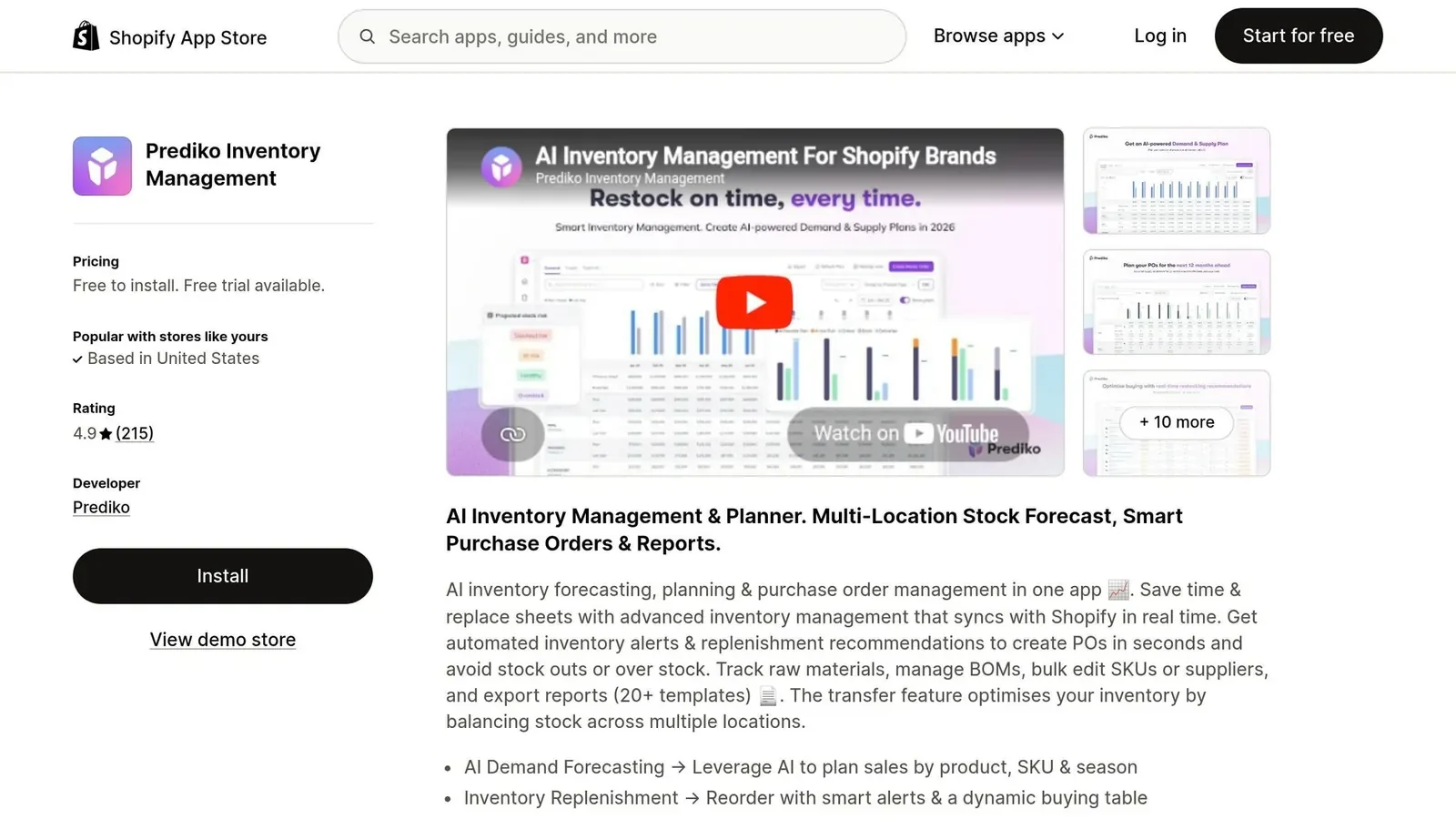
It brings your sales data, demand forecasts, and purchasing recommendations into one place. You can see which products need restocking, adjust the suggested quantities, and create purchase orders without rebuilding your calculations every week.
One useful feature is its Buying Table, where you can review recommended purchases across your catalog before deciding what to order.
Prediko also lets you set revenue targets and see how those targets translate into demand for individual products. That's helpful if you're planning for growth and want your inventory purchases to reflect your sales goals.
Key Features
- AI demand forecasting: Forecasts demand across a 12-month planning period, accounting for seasonality and past stockouts. You can adjust predictions for promotions, launches, and changing sales expectations.
- Buying Table and purchase orders: Shows suggested reorder quantities and lets you turn them into supplier POs. You can edit quantities and track orders through Created, Ordered, and Received stages.
- Supplier management: Syncs Shopify vendors and lets you set lead times, MOQs, and pack sizes. You can also assign products to multiple suppliers and bulk-edit purchasing details.
- Inventory receiving: Supports partial deliveries, incoming inventory tracking across locations, and optional Shopify inventory updates when purchase orders are received.
Pros
- Combines forecasting, inventory reporting, and purchase orders in one Shopify-focused platform.
- Lets you adjust demand forecasts using revenue targets, promotions, and planned product launches.
- Includes unlimited users, SKUs, and purchase orders on its published core plans.
- Supports partial receiving and integrations with warehouse and fulfillment systems.
Cons
- Pricing increases as your annual revenue grows, even if your inventory planning needs stay relatively simple.
- Supplier emails are sent from Prediko's email address rather than directly from your own email server.
- Raw materials forecasting and bills of materials require a separate paid add-on.
- Primarily focuses on inventory planning, so it isn't a complete replacement for manufacturing, accounting, or advanced warehouse management software.
Pricing
Prediko's pricing is based on your store's annual revenue.
| Plan | Monthly price | Annual revenue |
|---|---|---|
| Starter | $49 | Up to $100K |
| Scale-up | $119 | Up to $500K |
| Growth | $199 | Up to $2M |
| Higher tiers | Revenue-based pricing | Above $2M |
Raw Materials Forecasting & BOMs is available as an add-on starting at $20/month. Prediko also offers a 14-day free trial.
Best for: Shopify brands that want AI demand forecasting, inventory reporting, and purchase orders together, particularly if they prefer managing their purchasing decisions through a central Buying Table.
4. Fabrikator
Fabrikator is another Shopify inventory planning tool, but there's one feature that makes it particularly interesting: backorder management.
Say one of your bestselling products runs out, but you already have another shipment coming next month. Rather than taking the product off sale, you might want customers to keep ordering it with an estimated delivery date.
Fabrikator helps you manage that process while keeping track of incoming inventory.
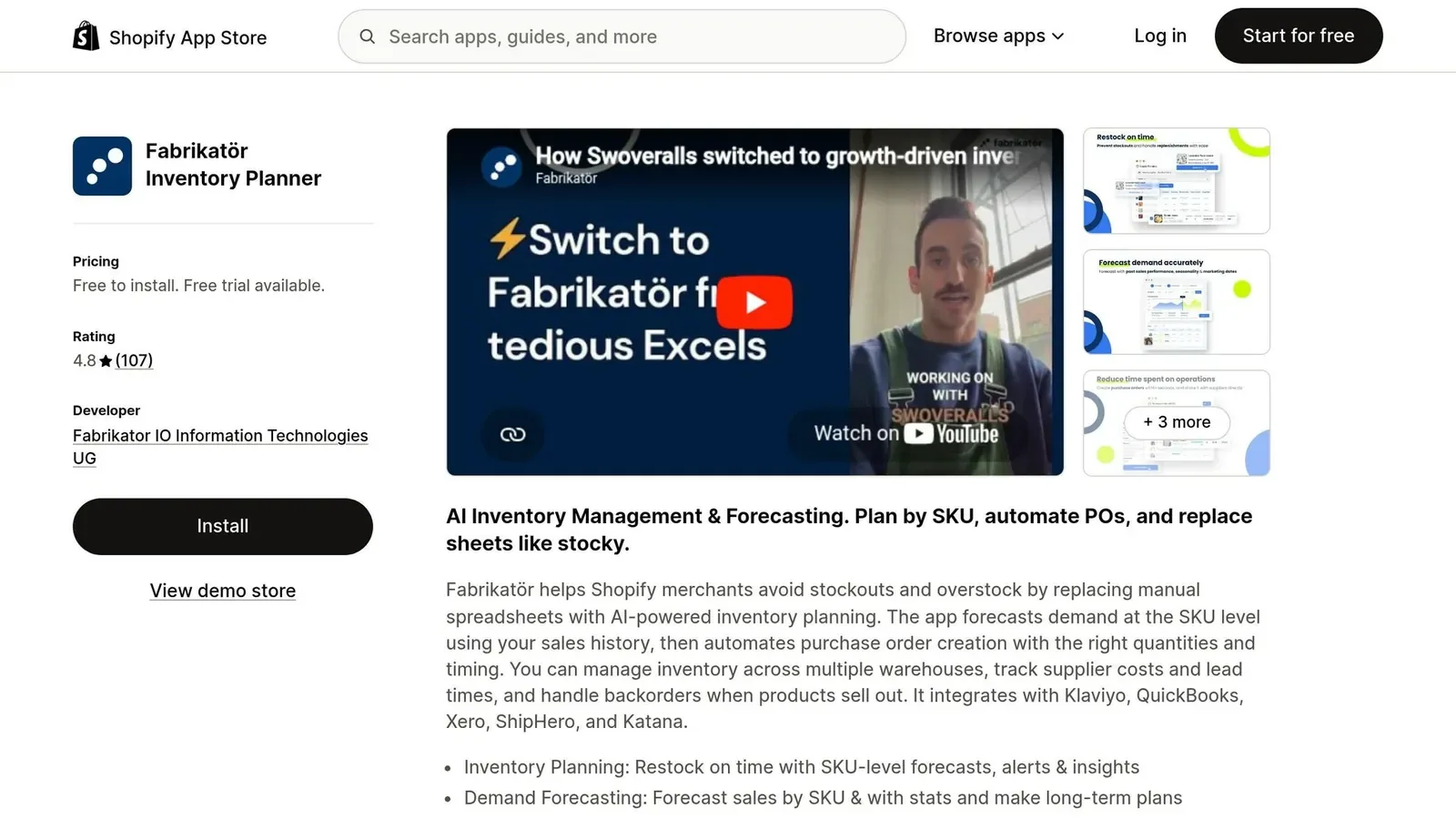
It also covers the usual inventory planning work, including demand forecasting, reorder recommendations, purchase orders, and supplier management.
So if you regularly sell products before they're back in stock, Fabrikator gives you a way to connect those customer orders with your purchasing plans.
Key Features
- Demand forecasting: Offers short-term replenishment and longer-term demand planning. You can use historical sales, incoming stock, and seasonal patterns to work out what you'll need.
- Purchase orders: Turns restock recommendations into purchase orders and tracks incoming inventory. Its backorder functionality can also use expected arrival dates to show customers when products should ship.
- Supplier management: Supports supplier lead times, batch sizes, and MOQs at product-group, product-option, and variant levels. You can bulk-edit information using a spreadsheet-style interface.
- Receiving workflows: Lets you record partial deliveries, split shipments across locations, scan barcodes, and track accepted or rejected quantities.
Pros
- Supports backorders and pre-orders, so merchants can continue selling eligible products while waiting for inventory.
- Offers both short-term replenishment and longer-term planning instead of relying on one forecasting approach.
- Handles different MOQ requirements at the product-group, option, and variant levels.
- Supports split shipments, barcode receiving, and inventory updates across multiple locations.
Cons
- Backorders cost an additional $0.75 each after the first 50, which can add up for merchants processing a lot of them.
- The backorder feature isn't available during the 14-day free trial, so you can't fully test it without subscribing.
- Doesn't offer a separate dedicated safety-stock setting. You have to work with its Days of Stock settings or adjust quantities manually.
- Its backorder features may offer less value if you don't sell products before they're physically available.
Pricing
Fabrikator charges based on annual revenue.
| Plan | Monthly price | Annual revenue |
|---|---|---|
| Seed | $99 | Up to $500K |
| Scale-up | $149 | Up to $1.5M |
| Growth | $199 | Up to $2.5M |
| Higher tiers | From $350 | Above $2.5M |
Backorders are charged separately at $0.75 each after the first 50.
There's a 14-day free trial for the core planning features, but you'll need an active subscription to use backorder management.
Best for: Shopify brands that regularly accept pre-orders or backorders and want to manage incoming inventory, purchasing, and expected delivery dates together.
5. Sumtracker
Sumtracker is worth a look if you sell the same products across several marketplaces and need to keep your inventory quantities accurate everywhere.
It connects with Shopify, Amazon, eBay, Etsy, and Walmart, so when something sells on one channel, your available stock can update across the others.
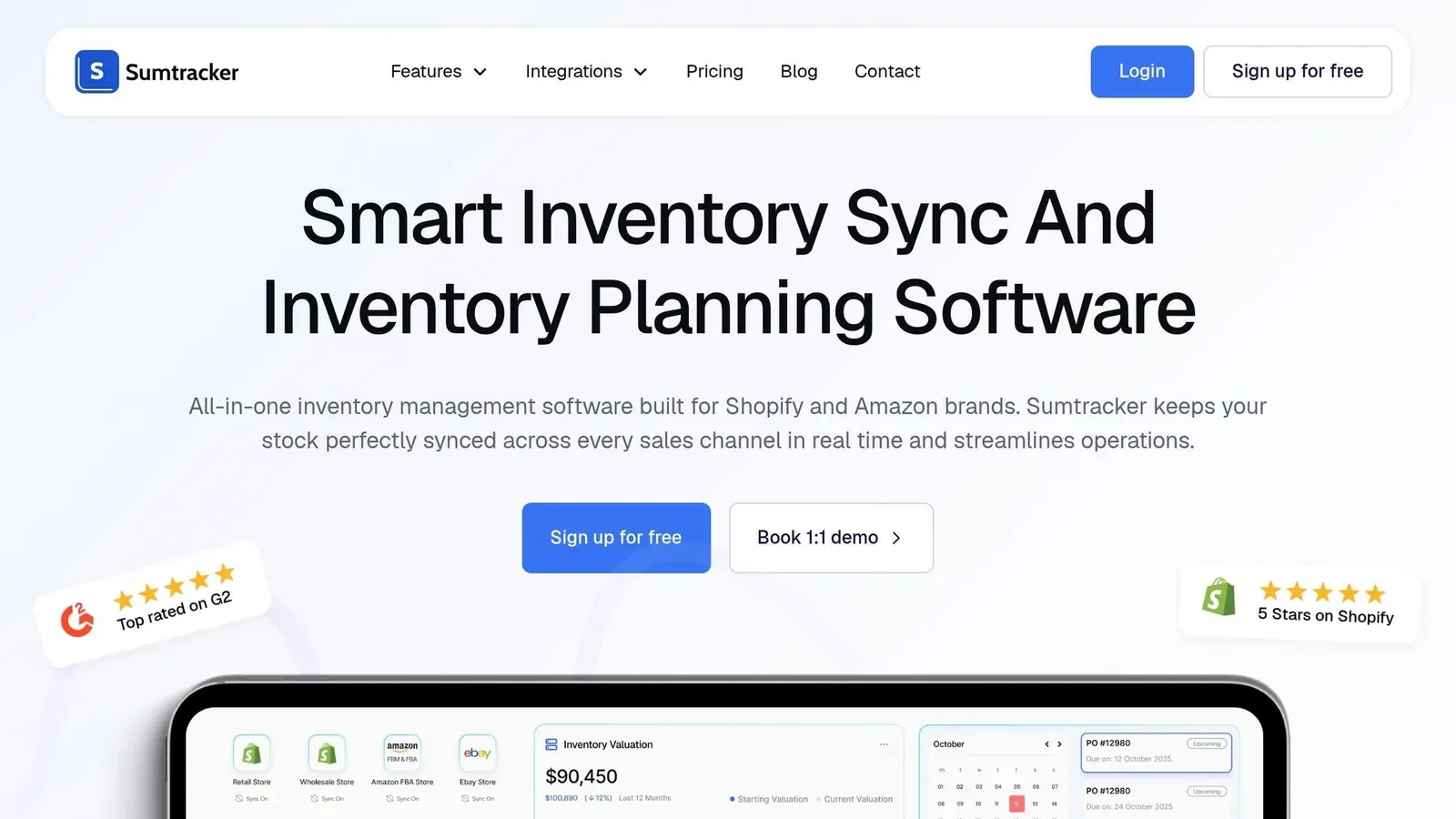
That's particularly useful if you're managing bundles or sharing the same warehouse stock between multiple storefronts.
But Sumtracker isn't limited to syncing inventory. Its Replenish plan also includes demand forecasting, reorder recommendations, purchase orders, and receiving.
So if you're replacing Stocky and need both multi-channel inventory syncing and a way to plan your purchases, Sumtracker can handle both without requiring separate apps.
Key Features
- Multi-channel inventory syncing: Keeps available stock quantities synchronized across Shopify, Amazon, eBay, Etsy, and Walmart. It also tracks bundles and kits based on their individual components.
- Demand forecasting: Provides 12-month forecasts using sales history, seasonality, supplier lead times, and inventory coverage settings. It also accounts for past stockout periods.
- Purchase orders and suppliers: Lets you create POs from replenishment recommendations, upload orders through CSV, and manage supplier SKUs, purchase prices, and currencies.
- Inventory receiving: Supports partial PO receiving, stock adjustments, stocktakes, and mobile inventory updates with barcode scanning.
Pros
- Keeps inventory synchronized across several marketplaces, reducing the risk of overselling shared stock.
- Supports bundles and kits, including inventory calculations for individual components.
- Includes forecasting and purchasing features on its Replenish plan, so it's more than a basic syncing app.
- Offers mobile stock adjustments, barcode scanning, and partial receiving for day-to-day inventory operations.
Cons
- Purchase orders, forecasting, and replenishment recommendations require the more expensive Replenish plan.
- Pricing rises with annual order volume, so a busy store can pay considerably more than the advertised starting price.
- Standard plans have limits on connected channels and warehouses, which may require a custom arrangement for larger operations.
- May be more focused on inventory synchronization and replenishment than businesses needing manufacturing, accounting, or advanced warehouse management.
Pricing
Sumtracker offers two plans: Manage and Replenish. Pricing depends on how many orders you process each year.
| Annual orders | Manage | Replenish |
|---|---|---|
| Up to 2,500 | $59 | $119 |
| Up to 10,000 | $119 | $179 |
| Up to 25,000 | $179 | $269 |
| Up to 50,000 | $249 | $379 |
| Up to 75,000 | $329 | $499 |
| Up to 100,000 | $399 | $599 |
| Over 100,000 | Custom | Custom |
Prices are monthly. Annual billing is available at a discount.
Manage covers inventory syncing and stock management. Replenish adds forecasting, purchase orders, and replenishment planning.
Both offer a 14-day free trial.
Best for: Merchants selling across Shopify and marketplaces like Amazon, Etsy, eBay, or Walmart who want to keep stock synchronized and manage replenishment from one place.
6. Qoblex
Qoblex is a broader inventory management tool for businesses that need to manage purchasing, receiving, manufacturing, and accounting alongside their stock.
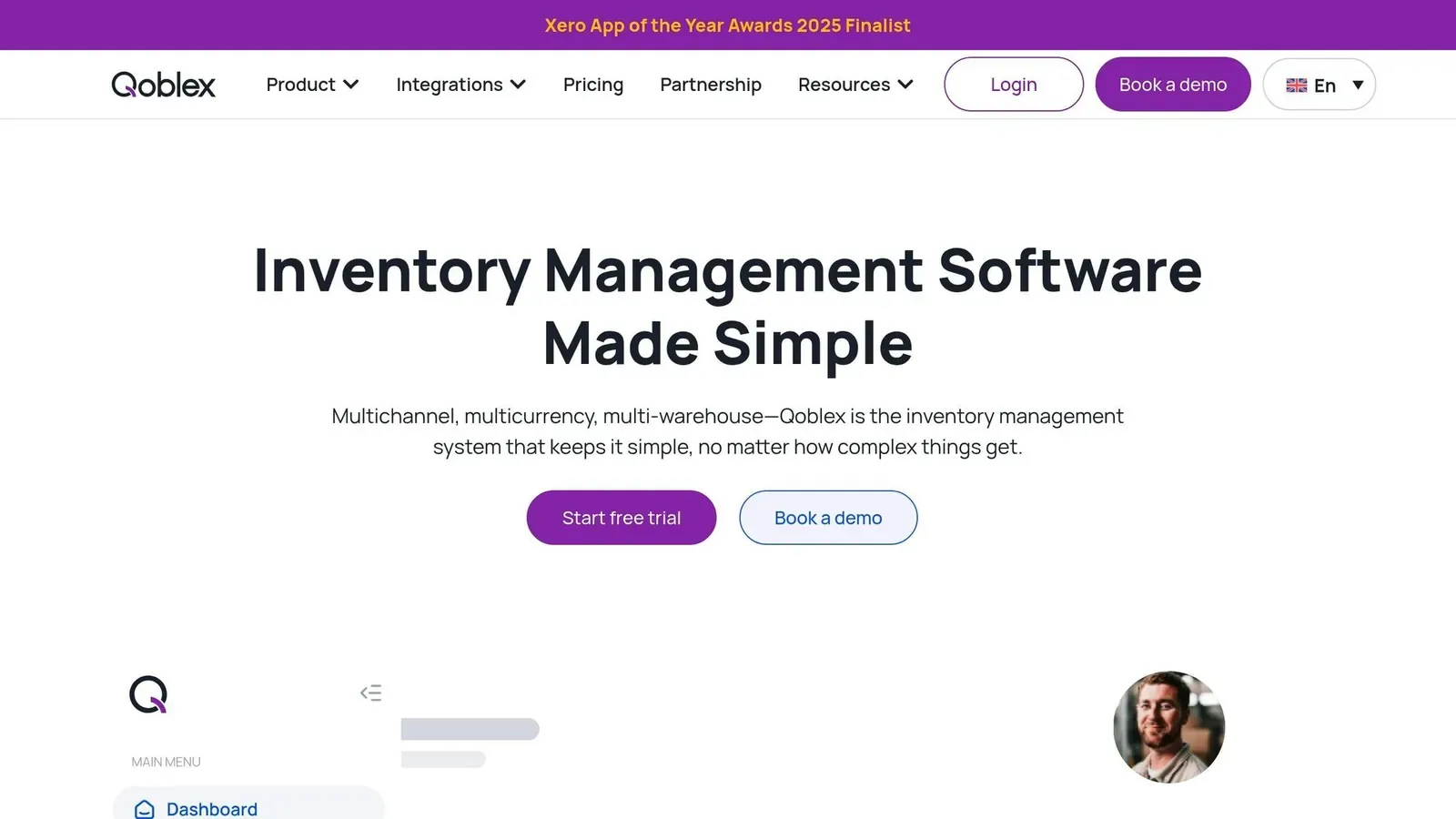
It connects with Shopify, Xero, and QuickBooks Online, so you can manage inventory and purchasing records without constantly entering the same information into different systems.
One of its stronger features is the way it tracks a purchase from the initial order through receiving and supplier billing.
For example, if you order 500 units but only receive 480, Qoblex can help you catch that difference before the purchase order is closed.
It also supports bills of materials and production orders, making it useful for businesses that manufacture or assemble their own products.
Key Features
- Purchase orders and accounting: Creates POs with supplier pricing and purchasing details. It also supports supplier bills, deposits, accounting integrations, and three-way matching between ordered, received, and billed quantities.
- Demand forecasting: Offers Historical Average, Seasonal, and Trend forecasting methods. You can plan 3, 6, 9, or 12 months ahead and apply growth assumptions.
- Supplier and manufacturing management: Handles supplier price lists, multiple currencies, bills of materials, production orders, and landed costs such as freight and customs duties.
- Receiving workflows: Uses Goods Received Notes to record deliveries, including partial shipments. Barcode scanning and receiving audit trails help track what arrived and when.
Pros
- Brings inventory, purchasing, manufacturing, and accounting workflows into one system.
- Supports three-way matching, helping teams catch differences between purchase orders, received stock, and supplier invoices.
- Offers several forecasting methods, so merchants can choose different approaches for different products.
- Handles multi-currency purchasing, landed costs, and detailed receiving records, which are useful when buying from overseas suppliers.
Cons
- Forecasting isn't included in the $99 Starter plan. You need Business at $179/month or above.
- Integrations cost an extra $20/month each, which increases the price if you connect multiple stores or accounting systems.
- Starter is limited to 2 users, 2 locations, and 2,000 orders per year.
- Its broader purchasing and accounting workflows may be unnecessary if you only need forecasting and simple reorder recommendations.
Pricing
Qoblex has two published starting plans.
| Plan | Monthly price | What's included |
|---|---|---|
| Starter | $99 | Up to 2,000 orders/year, 2 users, 2 locations, no forecasting |
| Business | $179 | Up to 8,000 orders/year, unlimited users and locations, forecasting |
| Scale | Custom | Higher order volumes and more complex operations |
Integrations cost another $20/month each on Starter and Business.
For example, if you choose Business and connect one Shopify store and one Xero account, you'd pay $219/month, before other add-ons.
There's also a 14-day free trial without a credit card.
Best for: Shopify businesses that manufacture products or need detailed purchasing, receiving, supplier billing, and accounting workflows rather than just inventory forecasting.
Which Stocky Replacement Fits Your Store?
If you mostly used Stocky to record POs and receive stock, Shopify's built-in purchase orders may now be enough. If you used it to decide what to buy and when, you'll want one of the planning tools above.
Choosing the right replacement depends on your catalog size and the complexity of your supply chain.
| Merchant Type | Best Fit | Why |
|---|---|---|
| Small stores (<100 SKUs) | Shopify's built-in purchase orders | Included with Shopify, and a small catalog may not need forecasting yet |
| Growing D2C brands (100–5,000 SKUs) | Forstock | Forecasts, order-by dates, and supplier POs in one plan, from $79/month |
| Brands with overseas suppliers | Inventory Planner or Forstock | Handles long lead times and landed cost calculations effectively |
| AI-first forecasting needs | Prediko | AI forecasting that detects seasonality and spreads your revenue target over 12 months |
| Large budgets, complex forecasting | Inventory Planner by Sage | Several forecast methods and wholesale handling, with quote-based pricing |
| Brands that sell before stock lands | Fabrikator | Backorders tied to incoming POs, with ship dates on your storefront |
| Amazon, eBay, Etsy, or Walmart sellers | Sumtracker | Live stock sync across marketplaces |
| Brands that make their own products | Qoblex | Bills of materials, production orders, and accounting sync |
This breakdown highlights the strengths of each option, tailored to different merchant profiles. If you've outgrown spreadsheets but don't need a full ERP, that's the gap we built Forstock for.
To see how it works on your own numbers, start a free 14-day trial (no credit card needed). Or book a 20-minute demo, and we'll connect your store to Forstock with you on the call.
FAQs
What Stocky Data Can I Still Save?
You can still export your completed purchase order reports from Stocky as CSV files, plus your stocktake history and cost data. Shopify is keeping that read-only access open for at least 90 days after August 31, 2026. Supplier records can't be exported at all, and old POs can't be imported into Shopify. So you'll need to rebuild your suppliers and open orders by hand.
Does Shopify Have Built-in Purchase Orders?
Yes. Shopify Admin lets you create purchase orders, mark them as ordered, and receive stock in Admin or POS. This also includes partial deliveries. But, you can't email a PO to your supplier, and lead times, MOQs, and case packs are stored only for reference. A planning tool uses those numbers to help you reorder without spreadsheets.
How Long Does a Stocky Replacement Rollout Usually Take?
Depending on the tool, a Stocky replacement can be ready the same day or take about six weeks to roll out. For simpler apps that sync directly with Shopify, setup can take anywhere from a few minutes to a few hours. You'll usually be up and running on Forstock in a day or two. But Inventory Planner says its onboarding projects take five to six weeks to go live, on average.