
Selling on Shopify and Amazon: How to Aggregate Demand Without Double-Counting
Combine Shopify and Amazon orders into one SKU-level demand baseline — exclude transfers/FBA, explode bundles, and net returns.

Selling on Shopify and Amazon: How to Aggregate Demand Without Double-Counting
If I count the same SKU’s activity from Shopify and Amazon the wrong way, I will buy too much stock. The fix is simple: I count customer demand once, map both channels to one internal SKU, and keep transfers, FBA moves, POs, and receipts out of demand.
Here’s the core idea in plain English:
- Demand = net kept units
- Inventory moves ≠ demand
- Returns must be tracked
- Bundles must be broken into components
- One SKU baseline should drive purchasing
- Channel splits should guide allocation, not buying
A fast example makes the problem clear. If Shopify shows 300 orders and Amazon shows 400 orders, I might think demand is 700 units. But if cancellations and returns cut that down to 600 kept units, then my raw order count is off by 100 units, or about 14.3%.
What I take from this article is straightforward:
- I need one SKU map across Shopify Variant IDs and Amazon ASIN/FNSKU records.
- I should count a Shopify MCF order once as Shopify demand, not again when Amazon fulfills it.
- I should keep FBA stock and warehouse stock in separate pools.
- I should use combined SKU velocity across channels for reorder points.
- I should leave restocks, transfers, inbound receipts, and PO activity in inventory or supply records, not demand.
Shopify vs. Amazon: How to Sync Multi-Channel Bundle Inventory | Omniorders

sbb-itb-f0fc809
Quick comparison
| Item | Count in demand? | What I do with it |
|---|---|---|
| Shopify customer order | Yes | Add to SKU demand |
| Amazon customer order | Yes | Add to SKU demand |
| Return | Indirectly | Subtract from kept demand or track on its own |
| MCF fulfillment movement | No | Treat as inventory flow |
| FBA transfer/replenishment | No | Treat as stock movement |
| Bundle sale | Yes, at component level | Roll demand to each part SKU |
| PO receipt | No | Add to inventory, not demand |
The bottom line: if I want cleaner forecasts, fewer duplicate POs, and fewer stockouts, I need one SKU-level demand record built from actual customer demand, not from every system event that looks like a sale. This data is the foundation for AI forecasting that keeps inventory levels optimized.
Where double-counting happens in real operations
Once SKU mapping is set up, the next place teams get into trouble is simple: they start counting logistics activity as customer demand.
That sounds small. It isn't. A fulfillment move can look a lot like a sale in the data if the system isn't set up with clear rules.
Shared inventory, FBA, and multi-channel fulfillment errors
Don't merge FBA stock with warehouse stock. FBA units live inside Amazon's network, while warehouse units sit in your own facility or with a 3PL. Those are two separate inventory pools. If you combine them, you create phantom inventory.
The same issue shows up with multi-channel fulfillment. If a Shopify order is fulfilled through MCF, count the Shopify order once. The Amazon fulfillment movement is just a logistics event. It is not new demand.
Bundles, returns, and channel-specific reorder logic
Bundles can hide what's going on underneath. A bundle may show up as one order line, but it pulls multiple component SKUs from stock. That's why every bundle should be exploded through the BOM, with demand rolled up at the component SKU level.
Returns create a different mess. If a brand tracks gross shipped units as demand but never removes returns, the forecast starts drifting high. You're planning for units customers didn't keep. It gets worse when failed-inspection returns are put back into available inventory. On paper, stock looks fine. In the warehouse, those units may be unsellable. The clean way to handle this is to track gross demand, returns, and net demand as separate numbers.
Channel-level reorder rules can also lead to hidden overprotection. Say a team sets aside 100 units for Shopify and 150 for Amazon. On the surface, that seems sensible. But if both channels pull from the same 300-unit warehouse position, those separate buffers create an untouchable reserve of 250 units. That leaves just 50 units of actual flexibility.
Common counting mistakes and the correct treatment
Use the same classification rules every time:
| Signal | What it represents | Common miscount | Correct treatment |
|---|---|---|---|
| Amazon order | Amazon customer demand | Aggregated with all FBA outbound movements, inflating Amazon demand | Count once as Amazon channel demand; contributes to total SKU demand |
| Shopify MCF order | Shopify demand fulfilled by Amazon | Counted as Shopify demand and again as Amazon demand when FBA outbound is used as a sales proxy | Count once as Shopify demand; treat the Amazon fulfillment movement as inventory flow |
| FBA transfer | Inventory transfer to FBA | Counted as demand instead of a transfer | Classify as a transfer; remove from warehouse on-hand, add to FBA on-hand, keep out of demand entirely |
| Bundle sale | One order line that consumes multiple component SKUs | Treated as demand for the bundle SKU only; component consumption ignored | Explode to component-level demand using the BOM; base purchasing on component velocity |
| Return receipt | Returned units, some resellable and some not | All returned units returned to available inventory regardless of condition | Only inspection-passed units return to available inventory; track gross demand, returns, and net demand separately |
What to aggregate and what to keep separate
The previous section showed how single events can get counted the wrong way. The next step is deciding what belongs in your demand baseline and what should be left out.
The rule is simple: only customer demand events belong in demand. Everything else - inventory moves, supply activity, and replenishment choices - should sit in a different part of your data model.
Aggregate customer demand signals only
Your demand baseline should use two demand inputs - customer orders and returns - and one check signal: shipments. Orders show what customers wanted. Returns help you work out net demand, so your forecast doesn’t get padded by units that later came back. Shipments confirm what actually left your facility. That split gives you one SKU total you can use for forecasting and replenishment.
Build this as a daily table by SKU and channel, such as Shopify and Amazon, and then roll those numbers up into a single SKU total. Keep the channel split because it helps with allocation later, including calculating safety stock for each location. Use the rolled-up SKU total for purchasing and reorder points.
There’s one part teams often miss: stockout days need to be flagged and corrected. If a SKU sold zero units for five days because it was out of stock, those zeros do not show true demand. They show demand you couldn’t serve. If you replace those days with an estimated daily rate based on nearby in-stock periods, your baseline stays grounded.
After you correct for missing demand, keep supply events out of the baseline.
Keep transfers, replenishment, and inbound supply out of demand
Replenishment shipments, transfers, purchase orders, receipts, and restock recommendations are all supply signals, not demand. Counting them as demand is like treating a grocery store restocking truck as if it were a shopper.
Count the Shopify order once; treat MCF fulfillment as inventory movement.
Demand vs. inventory vs. supply signals: a classification table
Use this table as a control reference so every event goes into the right bucket before you roll up the SKU view. Any metric that feeds your forecast should pull only from rows marked Yes in the demand column.
| Event | Demand baseline? | Inventory baseline? | Supply plan? |
|---|---|---|---|
| Shopify order created | Yes | No | No |
| Amazon customer order (FBA or FBM) | Yes | No | No |
| Order shipped to customer | No; validation only | No | No |
| Return received and matched to the original order | No; inventory only after inspection | Yes | No |
| Shopify inventory transfer | No | Yes | Yes, if used for allocation planning |
| FBA replenishment shipment | No | Yes | Yes |
| Amazon restock recommendation | No | No | Yes |
| Purchase order created | No | No | Yes |
| PO receipt / inbound receipt | No | Yes | Yes |
| Amazon MCF fulfillment shipment | No | Yes | No |
The demand column is short on purpose. It should include only events that show a customer trying to buy something. Everything else belongs under inventory visibility or supply planning.
How to build a clean SKU-level demand baseline
Channel-by-Channel vs. Combined-Velocity Inventory Planning
Once you’ve sorted out which signals count as demand and which ones muddy the picture, the next move is simple: turn that into a process your team can run again and again.
Calculate one SKU velocity from Shopify and Amazon demand
After cleaning the demand data, boil it down to one SKU velocity number. Pull net kept units by SKU and channel across 7-, 30-, and 90-day windows. Then combine those windows into a single SKU velocity.
You should still keep the channel split in your data. That matters for allocation later. But for purchasing, use one combined demand baseline.
Use combined demand for reorder points and channel rules for allocation
That SKU velocity should power one reorder point across Shopify and Amazon. The formula is straightforward:
average daily demand × lead time + safety stock
Use that one SKU reorder point to trigger a single purchase order based on total demand, not channel-by-channel demand. Channel rules come into play only after the PO is placed.
When inventory lands, use a centralized system to reserve stock and update available quantity across Shopify and Amazon in real time.
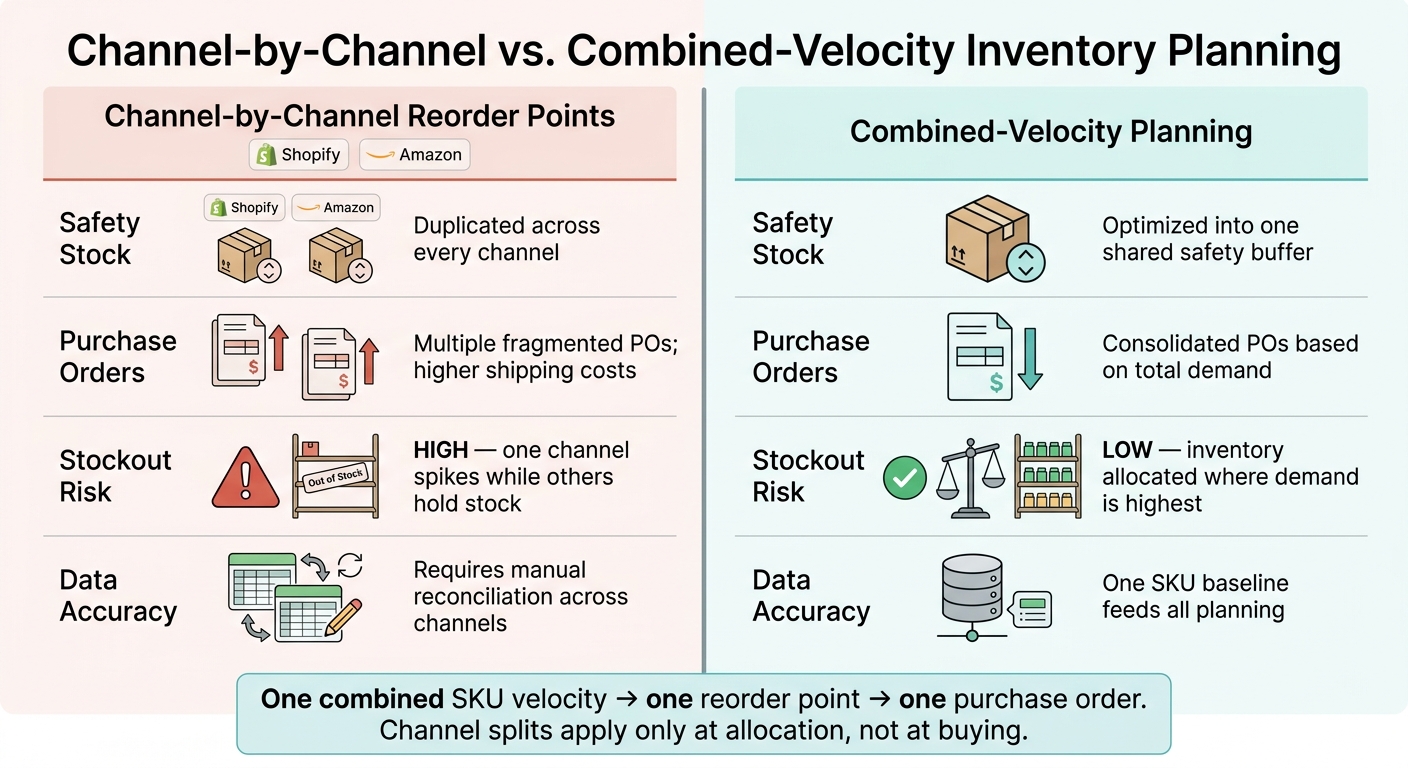
Separate channel reorder points vs. combined-velocity planning: a comparison
Here’s what this looks like in practice when teams plan by channel versus from one combined baseline.
| Factor | Channel-by-Channel Reorder Points | Combined-Velocity Planning |
|---|---|---|
| Safety Stock | Duplicated across every channel | Optimized into one shared safety buffer |
| Purchase Orders | Multiple, fragmented POs; higher shipping costs | Consolidated POs based on total demand |
| Stockout Risk | High (if one channel spikes while others have stock) | Low (inventory is allocated where demand is highest) |
| Data Accuracy | Requires manual reconciliation across channels | One SKU baseline feeds all planning |
That same SKU baseline can then feed both allocation and replenishment from one record.
Creating a single source of truth with Forstock
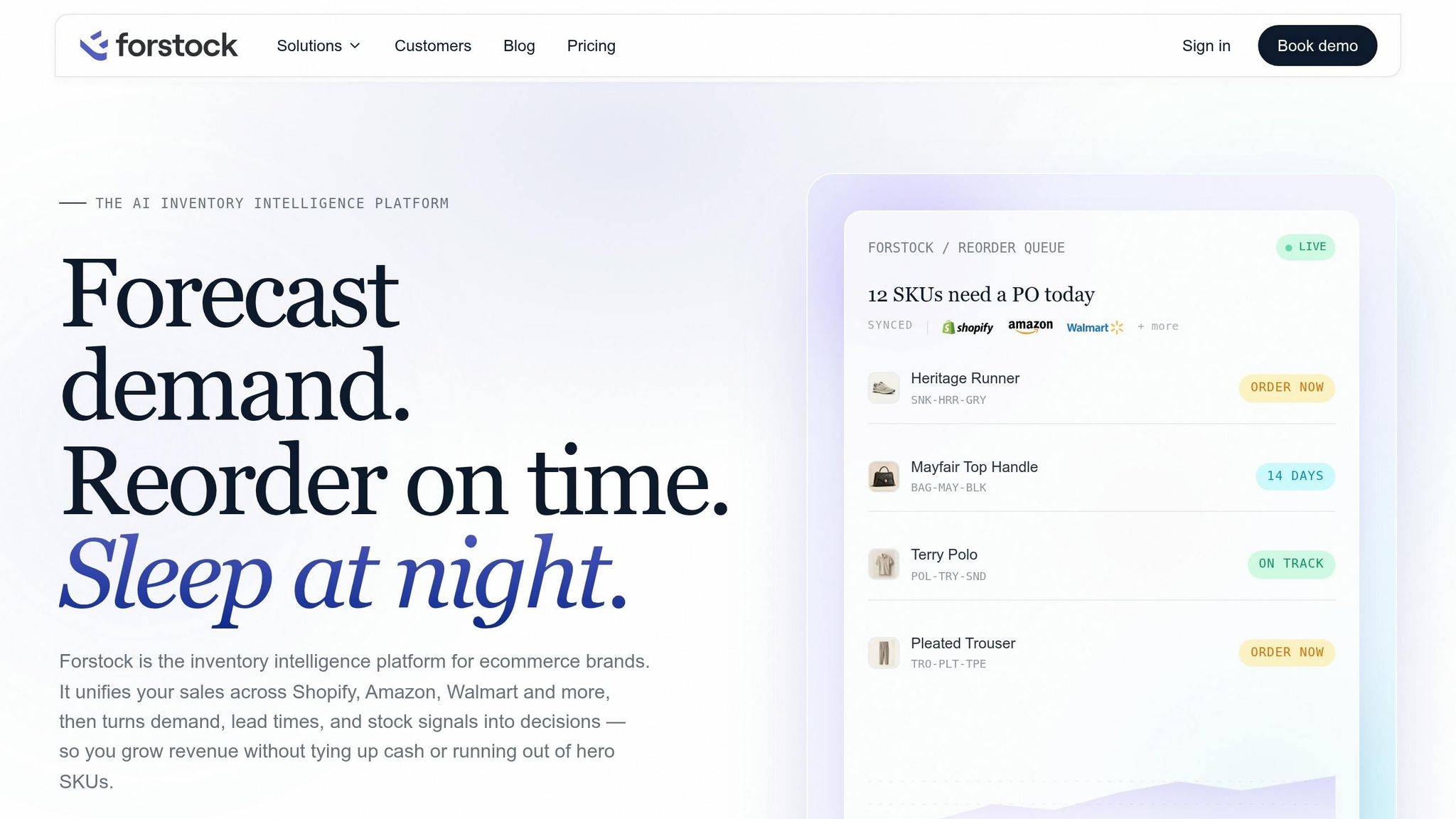
This is how the demand model turns into one working record. Forstock brings combined-velocity planning into a single dataset for demand, inventory, inbound supply, and purchasing.
Connect channels, map SKUs, and keep inventory pools distinct
Forstock pulls Shopify and Amazon data into one view, so every listing - whether it's a Shopify variant or an Amazon ASIN - maps back to one master SKU. At the same time, each inventory pool stays separate by location. FBA stock, warehouse or 3PL stock, in-transit units, and reserved inventory are all tracked by location, with on-hand, reserved, and inbound quantities kept separate so the same unit can't be assigned twice. Only free-to-sell inventory is shown to each channel.
Plan demand, replenishment, and purchase orders from one dataset
Forstock uses stockout-adjusted demand to set one total-SKU reorder point. From there, the process stays straightforward. Forstock generates replenishment recommendations that show burn rate, lead time, safety stock, and current days of supply, so you can check the logic before moving ahead.
Purchase orders are then created straight from those recommendations, grouped by supplier and split by destination location. That keeps FBA replenishment separate from warehouse stock. When inventory is received against a PO, stock levels sync back to Shopify automatically.
Conclusion: the rules that prevent double-counting
Once that setup is in place, the rules are pretty simple:
- Count customer orders, not inventory movements.
- Aggregate Shopify and Amazon demand at the SKU level, and keep transfers, FBA replenishment, and inbound POs out of that demand signal.
- Break bundles into their component SKUs when the bundle consumes underlying inventory.
- Treat returns separately from gross orders, or net them only if your planning goal is true sell-through.
- Maintain one inventory ledger by location so the same unit is never promised twice.
The payoff is concrete: fewer stockouts, no duplicate purchase orders, and inventory decisions based on what customers are buying - not on inflated numbers created by counting the same unit more than once across channels.
FAQs
How do I handle partial returns?
Keep your sellable inventory accurate, and keep partial returns out of your actual demand signal. Restock items as sellable only after a physical inspection. If damaged or unchecked goods slip back into stock, inventory mistakes can get expensive fast.
For API automation, use incremental adjustments instead of overwriting total counts. And for forecasting, leave partial returns and cancellations out of net sales so your demand baseline doesn’t get inflated.
What if one SKU has multiple listings?
Use one master SKU as your single source of truth across platforms. Then map that SKU to each listing’s platform-specific ID, like an Amazon ASIN or Shopify Variant ID.
That setup lets you combine demand the right way for forecasting and replenishment. At the same time, every listing stays tied to the same central stock pool, which helps prevent overselling.
How do I estimate demand during stockouts?
Don’t count zero-sales days during stockouts as zero-demand days. That adds false zeros to your data, pulls down your baseline, and can set you up for the same stockout problem again.
Instead, calculate sales velocity using only the days when the item was in stock. Also flag periods with zero inventory so you can adjust your baseline forecast to match actual demand.
Keep reading
Try Forstock free for 14 days.
AI-powered demand forecasting and reorder automation for Shopify brands. No credit card required.