
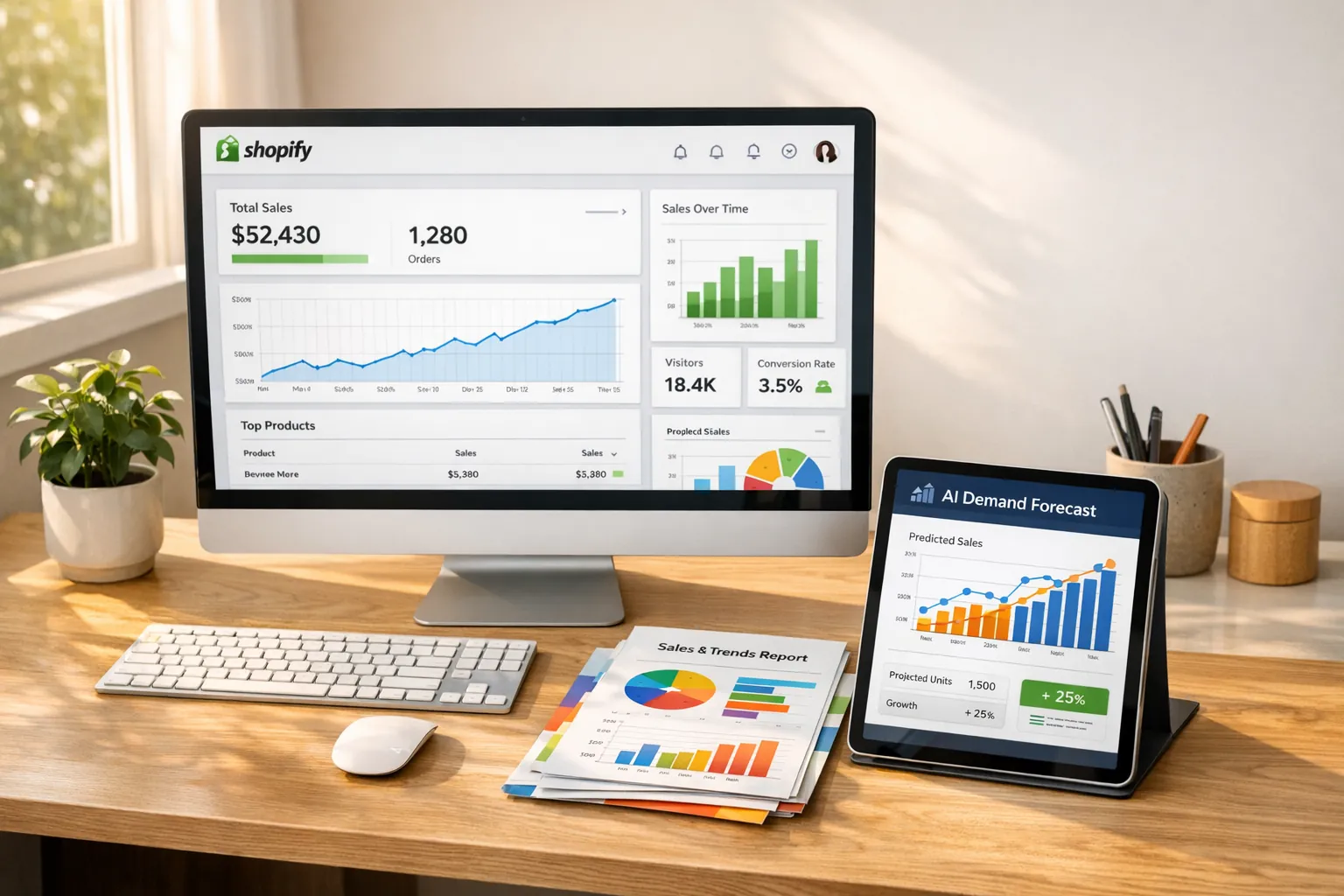
Demand forecasts help Shopify merchants decide what to reorder, when to place an order, and how much safety stock to hold. This guide compares dedicated forecasting apps with broader inventory, manufacturing, and warehouse platforms so you can choose the right scope for your store.
Demand forecasting tools use historical sales and inventory data to estimate future demand. The quality of those estimates depends on the available data, forecast settings, and purchasing constraints.
The strongest option for a given Shopify store depends on whether the merchant needs dedicated forecasting, multichannel inventory synchronization, manufacturing planning, or warehouse execution.
- Forstock: AI-powered forecasting, automated purchase orders, and real-time inventory tracking. Starts at $79/month.
- Sumtracker: Multichannel inventory synchronization with demand-based forecasting.
- Inventory Planner by Sage: Customizable forecasts, multi-location insights, Open-to-Buy planning, and overstock analysis.
- Katana Cloud Inventory: Manufacturing inventory and MRP software with demand forecasting and production planning.
- Assisty: An AI-powered forecasting and inventory management app designed as a Stocky replacement.
- Stock Sync: A supplier feed and inventory synchronization utility rather than a demand forecasting platform.
- SKULabs: Warehouse management, multichannel inventory, and fulfillment software.
- Cin7 Core: A broader inventory, order management, and manufacturing suite with forecasting capabilities.
- ShipHero: Warehouse management and 3PL fulfillment software for larger operations.
The tools differ in scope. Forstock combines AI-driven predictions with purchase order automation, Sumtracker focuses on multichannel inventory synchronization, and Inventory Planner by Sage supports detailed planning for larger catalogs.
Choose a tool that fits your catalog, sales channels, purchasing process, and budget. Before adopting it across your store, test its recommendations against historical data and your current planning method.
Evaluating Shopify Demand Forecasting and Inventory Planning Tools

What to Look for in a Demand Forecasting Tool
A useful forecasting tool should turn current inventory and sales data into clear purchasing recommendations. Prioritize accurate data synchronization, SKU-level forecasting, and purchase order automation.
Real-Time Inventory Tracking
Accurate demand forecasting starts with up-to-the-minute data. A tool that syncs inventory across warehouses, retail stores, and third-party logistics providers gives you a current view of stock levels. Synchronizing those stock records can reduce channel discrepancies that lead to overselling during busy periods.
Current sales and stock data help a forecasting tool time its reorder recommendations. Accurate inventory records, supplier lead times, and forecast settings still determine the quality of those recommendations.
Tools that use AI to forecast demand need current sales and inventory records to produce SKU- and location-level estimates.
AI-Powered Forecasting Models
AI forecasting models can update projections as new sales and inventory data arrive. Some products can also incorporate inputs such as weather, promotions, or TikTok trends, although the available inputs vary by platform. These signals can help merchants prepare for demand changes sooner than a forecast based only on periodic historical reports.
Some AI tools forecast demand for individual SKUs, locations, or daily periods rather than limiting projections to product categories. SKU-level models can account for attributes such as size or color.
Automated Inventory Tasks
Automation can convert forecast recommendations into low-stock alerts or draft purchase orders when inventory reaches a reorder point. Platforms with an approval step let you review recommended quantities before sending an order, which reduces repetitive entry without removing purchasing oversight.
Some systems track supplier performance, including lead times and pricing, so you can compare vendors using recorded results. A basic reorder point can be calculated as average lead-time demand plus safety stock, although the exact method should reflect demand variability and supplier reliability. Automation can then reduce repetitive data entry and generate alerts when inventory reaches the selected threshold.
Top Demand Forecasting Tools for Shopify
Demand forecasting tools can improve Shopify inventory management by helping merchants anticipate replenishment needs and avoid excess stock. The options below are not all direct substitutes. Forstock, Assisty, Sumtracker, and Inventory Planner focus on forecasting or inventory planning. Katana, Cin7 Core, SKULabs, and ShipHero cover broader manufacturing, ERP, warehouse, or fulfillment needs. Stock Sync is a feed-sync utility rather than a true forecasting tool.
| Tool | Starting Price | Key Feature | Best For |
|---|---|---|---|
| Forstock | $79/month | AI forecasting with automated purchase orders | Shopify brands wanting forecasting and PO automation without spreadsheets |
| Assisty | $19/month | AI forecasting with deep Shopify and supplier integration | Merchants seeking a low-cost Stocky replacement |
| Sumtracker | Not stated | Demand-based forecasting layered onto multichannel inventory sync | Multichannel sellers prioritizing unified stock visibility |
| Inventory Planner by Sage | Not stated | Configurable forecasts, Open-to-Buy planning, and overstock analysis | Established, multi-location merchants needing granular planning |
| Katana Cloud Inventory | Around $129/month, with some listings starting at $299/month | Manufacturing resource planning and production scheduling | Businesses that manufacture or assemble products |
| Stock Sync | Free plan; paid plans from $7/year | Supplier feed, stock, and price synchronization | Merchants needing inventory data synchronization, not demand forecasting |
| SKULabs | Around $299/month | Warehouse picking, packing, shipping, and inventory control | Operations-heavy sellers running warehouse fulfillment |
| Cin7 Core | $349/month | ERP-like inventory, order, and manufacturing management | Larger or multi-entity brands needing a broad operations suite |
| ShipHero | Around $499/month; full WMS pricing may start around $1,850/month | Warehouse management and 3PL fulfillment | Brands operating warehouses or 3PL services |
Starting prices are based on available September 2026 research and may vary by usage, order volume, locations, users, and add-ons.
Forstock
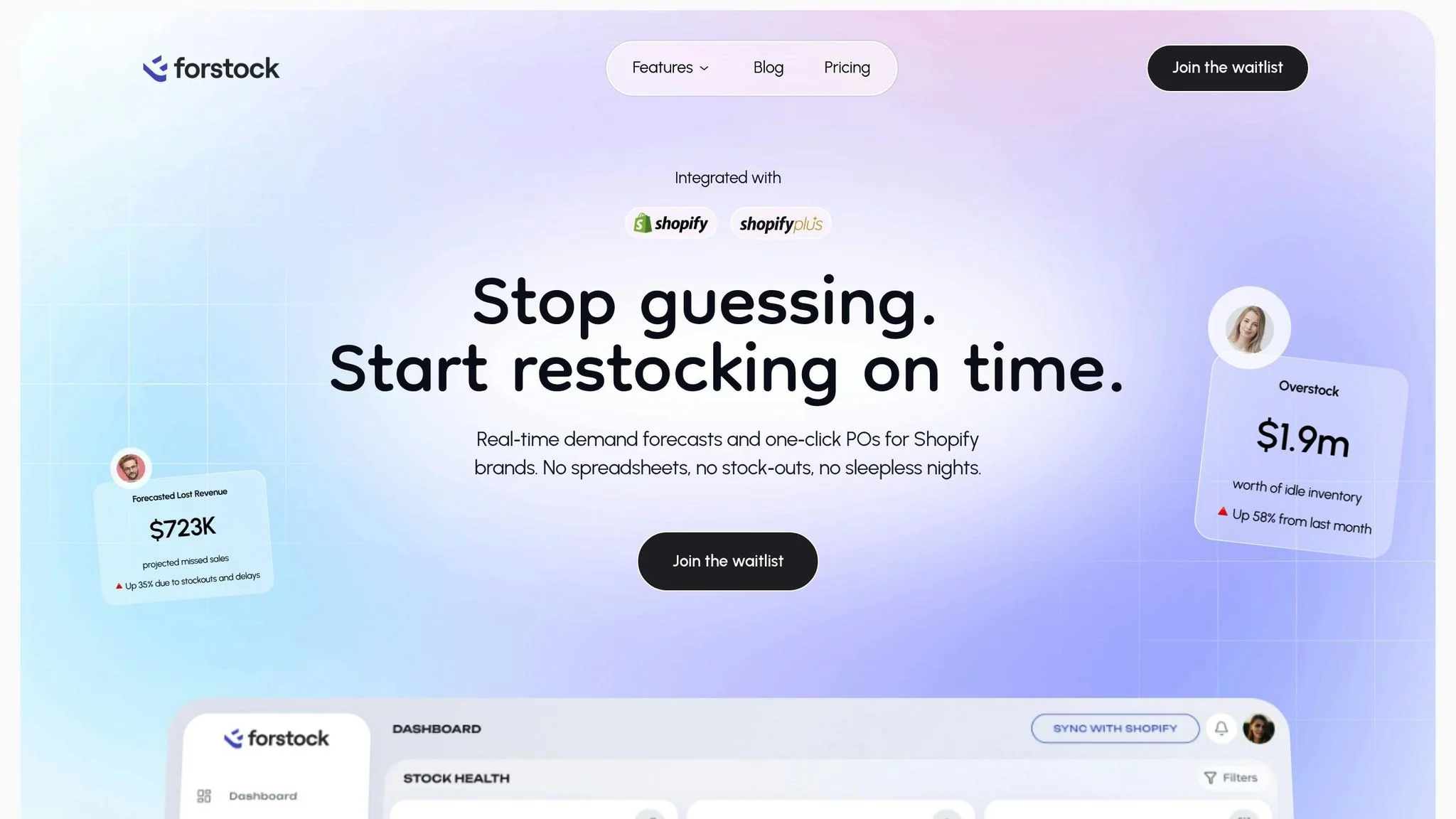
Forstock combines demand forecasts, inventory data, and automated draft purchase orders in one dashboard. Forstock integrates with Shopify to track stock across multiple locations and create 12-month demand plans from sales trends and inventory data. Its AI forecasting accounts for seasonality, lead times, and changing sales patterns when it recommends purchase quantities.
Its supplier management feature centralizes communication and monitors performance metrics such as lead times and pricing. Forstock can generate draft purchase orders when stock reaches configured reorder points, reducing the manual work required to prepare replenishment orders. Forstock supports simple and multivariant catalogs, with recommendations calculated at the SKU level.
Forstock lists plans starting at $79 per month. Each plan includes features like dashboard analytics, reorder suggestions with safety stock calculations, purchase order tracking, and live-chat support. A 14-day free trial lets you test the platform with your store data before choosing a plan.
Sumtracker
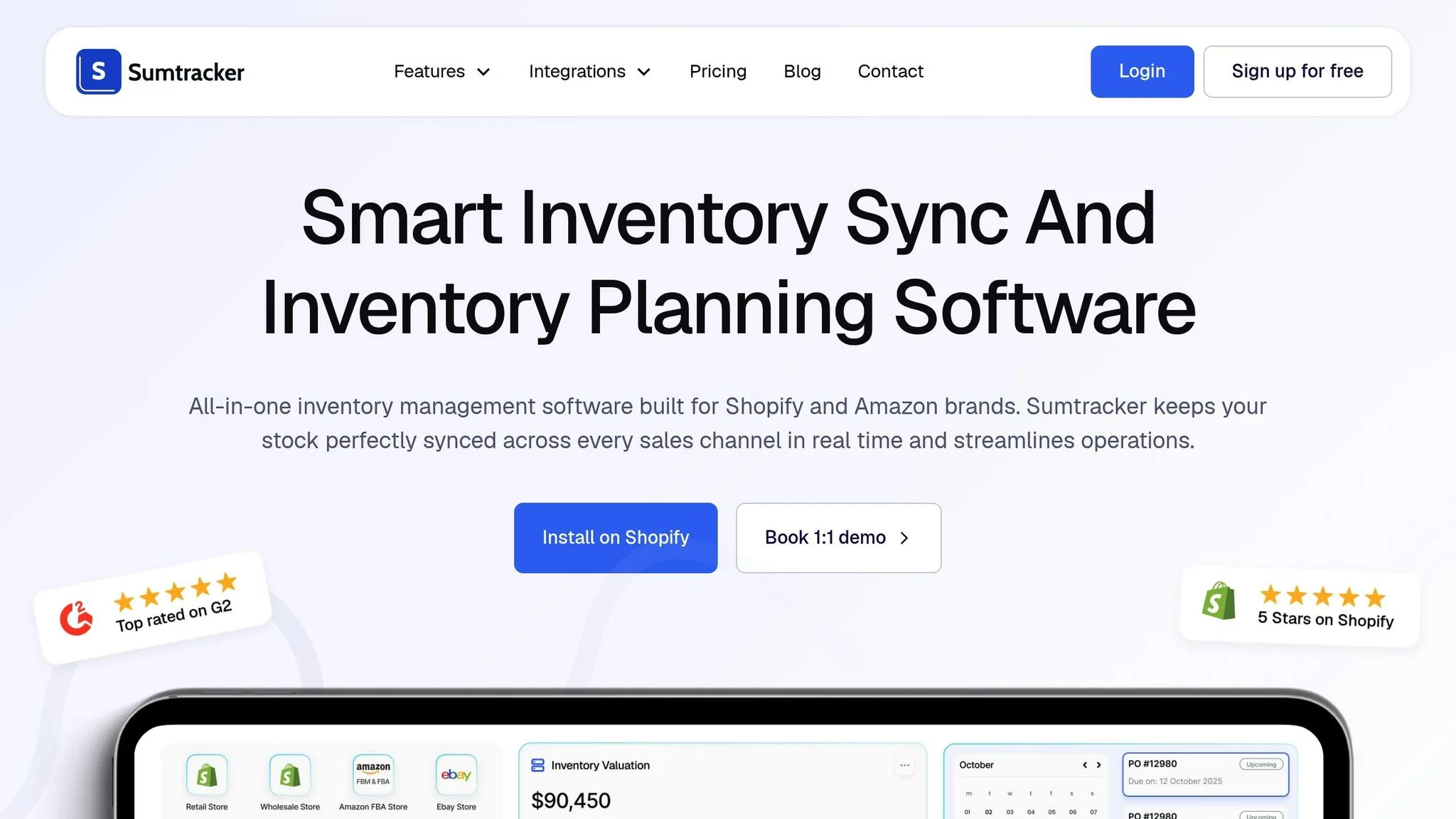
Sumtracker is suited to merchants who need to synchronize inventory across multiple sales channels. It synchronizes inventory levels in real time across Shopify, Amazon, eBay, and other platforms. The shared inventory view can reduce discrepancies between channels and support demand-based planning.
Inventory Planner by Sage
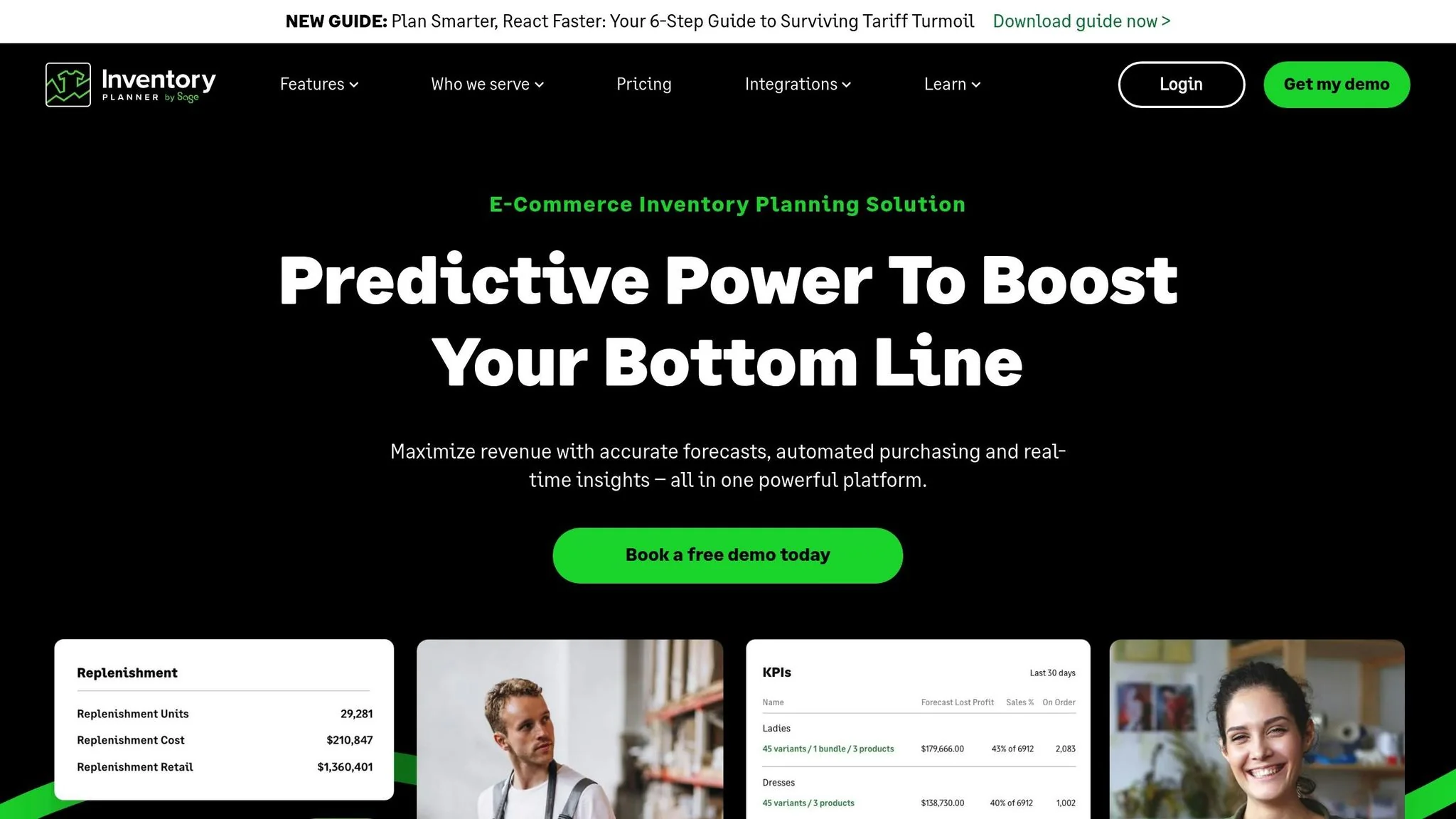
Inventory Planner by Sage is designed for merchants that need customizable forecasts and multi-location planning. Inventory Planner by Sage supports separate forecasting approaches for seasonal and non-seasonal products. Its trend adjustments and safety stock settings help merchants identify purchasing recommendations that account for changing demand. Its Open-To-Buy planning and multi-location forecasting features support purchasing decisions for larger Shopify operations.
One standout feature is its ability to predict demand for new products using data from similar SKUs, which is especially useful when historical data is limited. The platform also identifies overstock by tracking metrics like last sold date, overstock units, and associated costs, helping businesses avoid cash flow challenges. Inventory Planner is rated 4.5 from 151 reviews on the Shopify App Store, giving established merchants a substantial review base to consider.
Katana Cloud Inventory
Katana is designed for product businesses that manufacture or assemble goods. Alongside demand forecasting and real-time inventory and order tracking, it provides manufacturing resource planning, bills of materials, production orders, and production scheduling. Those capabilities make it a better fit for makers and manufacturers than for Shopify merchants that simply resell finished products.
Published starting prices vary. Third-party comparisons place the Essential plan at around $129/month, while the Shopify App Store and Software Advice list a $299/month starting plan. Costs can also change with locations, order volume, and add-ons. Katana is rated 4.2 from 133 reviews on the Shopify App Store and 4.6 from 171 reviews on Software Advice and Capterra.
Assisty
Assisty is an AI-powered demand forecasting and inventory management app built as an alternative to Stocky. Its Shopify integration brings together products, sales history, current stock, suppliers, and purchase orders, allowing merchants to forecast demand and plan replenishment without moving data between spreadsheets and disconnected systems.
The Basic plan starts at $19/month, and the Advanced plan is $59/month, although available plans and quoted entry prices vary by source. With ratings around 4.7–4.8 and between 200 and 356 Shopify App Store reviews across the researched listings, Assisty has one of the larger review bases among dedicated inventory apps. It is best suited to merchants seeking a lower-cost, AI-driven Stocky replacement.
Stock Sync
Stock Sync, also listed as syncX: Stock Sync, connects inventory feeds from more than 80 sources and suppliers. It can synchronize stock and prices, perform bulk updates, schedule feed changes, and apply price markups. A free plan supports up to 2,000 products, while paid options begin at $7/year and extend into higher feed-based tiers.
Stock Sync is not a direct demand forecasting competitor, despite its large review base on the Shopify App Store. It is best viewed as a data-plumbing utility for merchants that need supplier or marketplace feeds kept in sync, not as a tool for predicting future demand or generating replenishment plans.
SKULabs
SKULabs is a warehouse management and multichannel order and inventory system. Its emphasis is on inventory accuracy and fulfillment workflows, including picking, packing, and shipping across sales channels. That makes it more operations-heavy than a dedicated Shopify demand forecasting app.
Pricing starts at around $299/month according to multiple sources, with costs affected by order volume, warehouse count, and additional users. It is rated 4.3 from 12 reviews on SoftwareFinder. SKULabs is most relevant to sellers that need warehouse execution and inventory control in one system rather than forecasting alone.
Cin7 Core
Cin7 Core, formerly DEAR Systems, combines forecasting with a broader inventory, order, and manufacturing management suite. Its ERP-like scope can support multi-entity brands and more complex operating models, but it also brings more cost and complexity than a lightweight forecasting layer.
The Standard plan starts at $349/month, followed by Pro at $599/month and Advanced at $999/month. The Standard plan includes five users and applies an annual order-volume limit. Cin7 Core is best for larger businesses that need inventory, manufacturing, and order management in a unified platform, not merchants seeking forecasting as a standalone function.
ShipHero
ShipHero is a warehouse management and 3PL fulfillment platform focused on receiving, picking, packing, shipping, and warehouse inventory visibility. ShipHero does not provide the same dedicated demand forecasting workflow as Forstock or Assisty. Its inventory visibility comes from managing fulfillment operations.
Published pricing varies significantly. One source places the Essential plan at around $499/month, while other sources cite full WMS licensing from approximately $1,850/month before additional store and user fees. ShipHero is rated 4.3 from 103 reviews on the Shopify App Store. It is best suited to brands operating their own warehouses or 3PL services and represents a substantial increase in cost and operational complexity.
How to Choose the Right Tool for Your Store
What to Consider When Choosing
Start by assessing your business's stage and the amount of data you handle. If your store has substantial sales history, an AI-powered tool can use that data to model recurring demand patterns. Newer stores with limited sales history may need conservative starting assumptions, data from comparable products, or forecasts that can be adjusted manually.
Your catalog structure determines the level at which a tool must forecast demand. Stores with simple products and minimal variations might only require basic replenishment alerts. However, if you manage items like apparel with multiple sizes, colors, and styles, look for a tool that offers SKU-level forecasting instead of broad category estimates.
Compare the subscription cost with the value of the inventory decisions the tool will support. A pilot can show whether improved ordering justifies the expense before you commit to a higher-priced plan. Check whether the tool connects directly with Shopify, your point-of-sale system, and your third-party logistics providers. Reliable synchronization gives the forecast access to current sales, stock, and fulfillment data.
During the same pilot, ask your purchasing staff to complete their regular forecasting and approval tasks so you can identify training needs and workflow delays.
Setup and Learning Curve
Choose a tool that your purchasing staff can operate without unnecessary technical support. During the trial, confirm that they can interpret the dashboard, adjust forecasts, and approve replenishment recommendations. Review the setup requirements before subscribing, including data cleanup, catalog mapping, permissions, and integration work.
Smaller merchants may benefit most from a tool that can automate routine alerts and draft purchase orders soon after setup.
Long-Term ROI and Business Impact
A forecasting tool can improve cash flow when its recommendations help you reduce excess inventory without creating additional stockouts. If the tool automates data entry and purchasing tasks, track the staff time saved alongside changes in inventory value and product availability. To measure the tool's effectiveness, track metrics like Mean Absolute Percentage Error (MAPE) for forecasting accuracy and Forecast Value-Added (FVA) to evaluate the impact of manual adjustments.
Forecast data can also inform promotion timing and inventory preparation for planned campaigns. Measure the effect through product availability, inventory turnover, forecast error, and gross margin rather than assuming that the software alone will increase customer lifetime value or growth.
Conclusion
Demand forecasting helps Shopify merchants decide what to buy, when to reorder, and how much safety stock to hold. Better recommendations can reduce cash tied up in overstock and the sales disruption caused by stockouts while helping merchants maintain product availability.
Forstock is the closest fit for Shopify merchants that want demand forecasting, SKU-level replenishment recommendations, and draft purchase orders in one platform. Assisty may suit merchants seeking a lower-cost Stocky replacement, while Sumtracker emphasizes multichannel visibility and Inventory Planner by Sage offers more configurable planning. Manufacturers and warehouse operators should compare the broader capabilities of Katana, Cin7 Core, SKULabs, and ShipHero. Stock Sync remains an option for supplier feed synchronization rather than demand forecasting.
Start with a limited product set and compare the pilot with your current planning process. Track forecast accuracy, stockout frequency, excess inventory, and purchasing time. If the pilot improves those measures, expand it to more of your catalog and evaluate whether Forstock fits your purchasing workflow.
FAQs
How can AI-powered tools help Shopify merchants improve inventory management?
AI-powered inventory tools analyze sales history, current stock, lead times, and seasonal patterns to estimate future demand. Forstock uses these inputs to recommend reorder quantities and generate draft purchase orders for Shopify merchants. These recommendations can reduce manual planning and help merchants respond sooner to changes in demand.
What should I look for in a demand forecasting tool for my Shopify store?
A Shopify demand forecasting tool should synchronize sales and inventory data, forecast at the level you purchase, and support your existing replenishment process. Forstock adds SKU-level recommendations, supplier data, and automated draft purchase orders in one dashboard. Testing those features with historical data helps you judge forecast accuracy, setup effort, and potential time savings before subscribing.
How do demand forecasting tools help Shopify merchants avoid stockouts and overstock?
Demand forecasting tools estimate future inventory needs using sales history, seasonal patterns, stock levels, and supplier lead times. Forstock turns those estimates into SKU-level reorder recommendations and draft purchase orders for Shopify merchants. Reviewing and adjusting those recommendations can help merchants reduce excess stock while maintaining product availability.