
Stock Replenishment Estimator
Estimate when to reorder stock with our free tool! Input inventory data to calculate reorder points and quantities for smarter warehouse management.
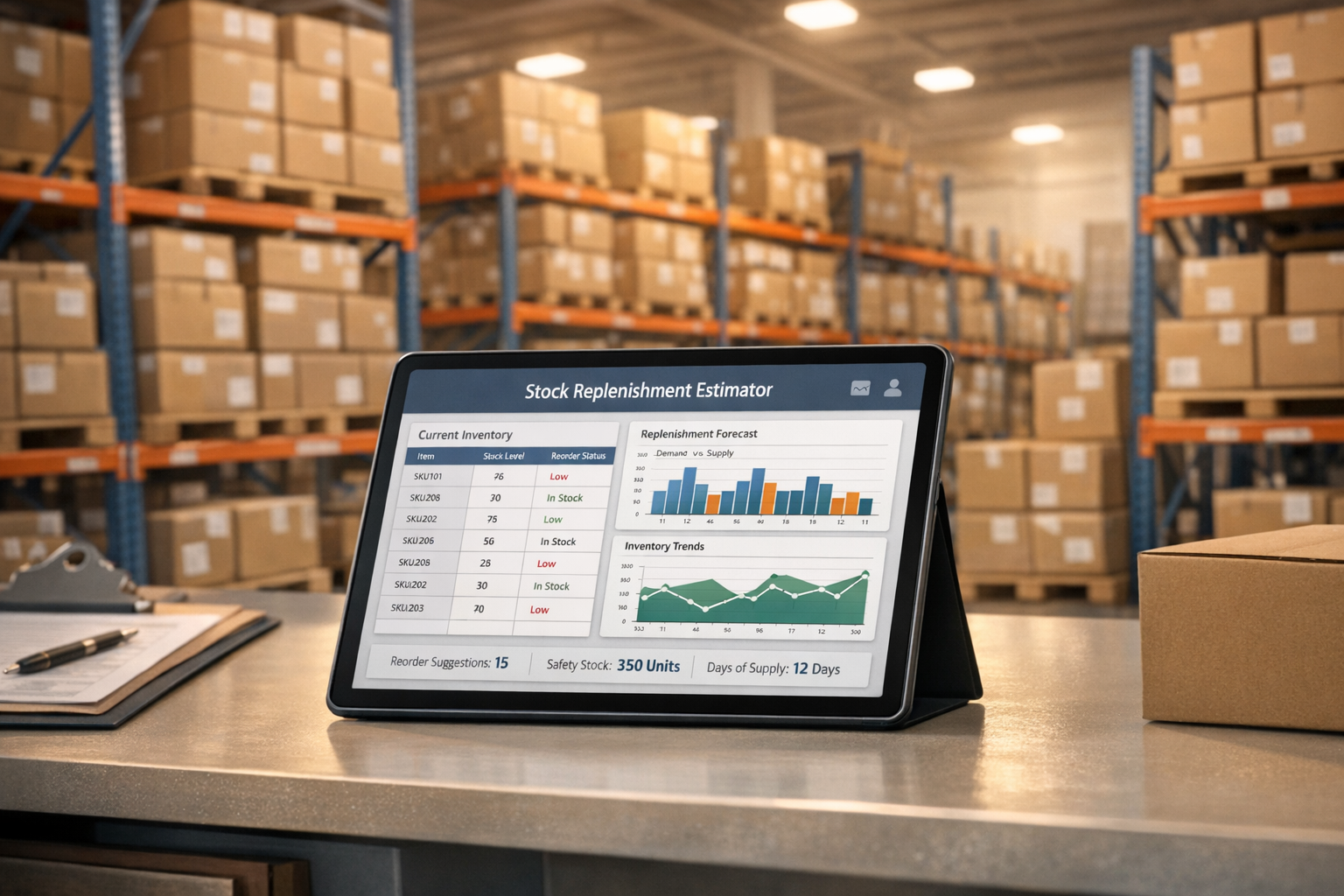
Stock Replenishment Estimator
Master Inventory with a Stock Replenishment Estimator
Running a retail store or warehouse comes with the constant challenge of balancing inventory. Too little stock, and you risk losing sales to disappointed customers. Too much, and you’re wasting space and capital. That’s where a tool for calculating reorder points can be a game-changer. It takes the stress out of guessing when to restock by using real data like daily sales and supplier lead times to pinpoint the perfect moment to order.
Why Precision in Stock Management Matters
Effective inventory planning isn’t just about keeping shelves full—it’s about optimizing cash flow and storage. By estimating the ideal reorder quantity, you ensure you’re prepared for demand without overcommitting resources. Small businesses, in particular, can benefit from this approach, as it minimizes the risk of dead stock while keeping operations lean. Whether you’re managing a boutique or a large distribution center, having a reliable method to assess stock needs can transform how you handle day-to-day logistics. Try integrating data-driven tools into your workflow, and watch how quickly you gain control over what once felt like chaos.
FAQs
What is a reorder point, and why does it matter?
A reorder point is the stock level at which you should place a new order to avoid running out. It’s calculated by considering your daily sales, the time it takes for new stock to arrive, and a buffer of safety stock. Knowing this number is crucial because it helps prevent stockouts, which can frustrate customers and hurt sales, while also ensuring you’re not tying up cash in excess inventory.
How do I determine my safety stock level?
Safety stock is your backup inventory to cover unexpected spikes in demand or delays in delivery. A good starting point is to look at past sales data for variability—think about peak seasons or sudden trends. You might set it at 10-20% of your average stock needs, but adjust based on how critical the item is to your business and how reliable your suppliers are.
What if my current stock is above the reorder point?
If your current stock level is higher than the calculated reorder point, you’re in a good spot! The tool will let you know that no immediate reorder is needed. Keep an eye on your inventory as it dips closer to that critical threshold, and check back with the estimator to stay ahead of the game.
Try Forstock free for 14 days.
AI-powered demand forecasting and reorder automation for Shopify brands. No credit card required.