
Stock Level Calculator
Easily track inventory with our Stock Level Calculator. Input stock data to check levels, get reorder alerts, and manage products efficiently!
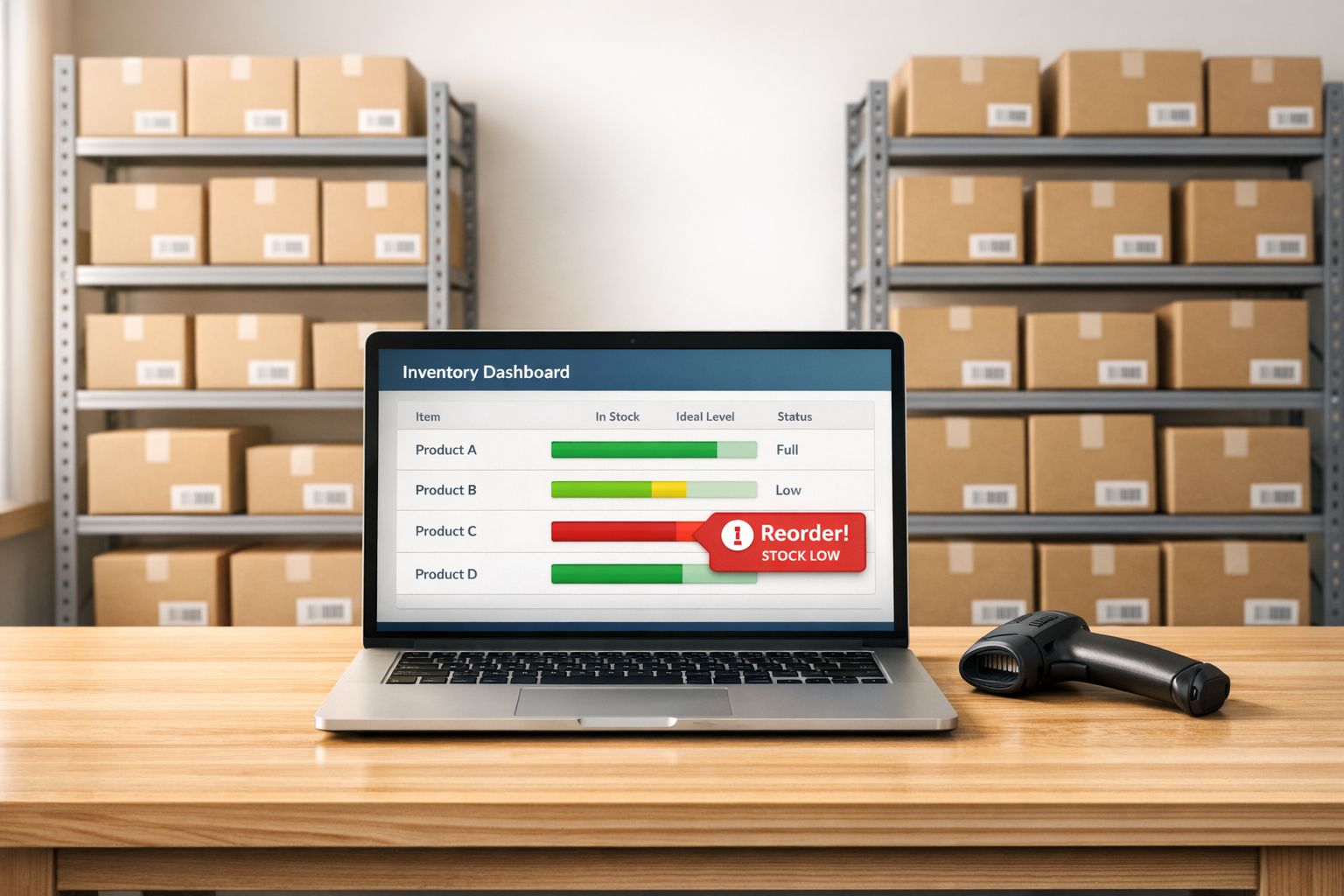
Stock Level Calculator
Manage Your Warehouse with a Stock Level Calculator
Running a warehouse means keeping a close eye on inventory, but manual tracking can eat up hours of your day. That’s where a reliable tool for calculating stock levels comes in handy. Whether you’re managing a small storage space or a sprawling distribution center, having instant insights into your product counts can prevent shortages and overstocking headaches.
Why Inventory Tracking Matters
Stockouts can stall operations and frustrate customers, while excess inventory ties up cash. A tool designed for monitoring warehouse stock helps you strike the right balance. By inputting basic data like initial quantities, sales, and restocks, you get a clear view of where you stand. Plus, automated alerts for low stock thresholds mean you’re always a step ahead in planning reorders. It’s not just about numbers—it’s about keeping your business moving smoothly.
Streamline with the Right Tools
Beyond just crunching numbers, modern inventory solutions let you add multiple products and track them dynamically. This kind of efficiency frees you up to focus on growth rather than guesswork. If you’re ready to simplify your workflow, try a calculator tailored for inventory control and see the difference it makes in your daily operations.
FAQs
How does the Stock Level Calculator determine if I need to reorder?
It’s pretty straightforward. The tool takes your initial stock, subtracts the units sold, and adds any units received to calculate your current stock level. Then, it compares that number to the minimum threshold you set. If you’re below that threshold, it’ll flag a reorder alert and tell you exactly how many units you’re short. That way, you’ve got a clear picture of what to order next.
Can I use this tool for multiple products at once?
Absolutely! We built this calculator with warehouse managers in mind, so you can add as many products as you need to track. Just hit the ‘Add Product’ option, input the details for each item, and the tool will handle the rest. It’s perfect for keeping tabs on a whole inventory without juggling spreadsheets.
What happens if I enter a negative number or invalid data?
No worries—we’ve got safeguards in place. If you accidentally input a negative number or something that doesn’t make sense, the tool will show a quick error message asking you to correct it. It’s a little nudge to keep your data accurate so the calculations stay reliable for your planning.
Try Forstock free for 14 days.
AI-powered demand forecasting and reorder automation for Shopify brands. No credit card required.