
Inventory Unit Converter
Easily convert inventory units like weight, volume, and count with our free tool. Perfect for managers needing quick, precise conversions!
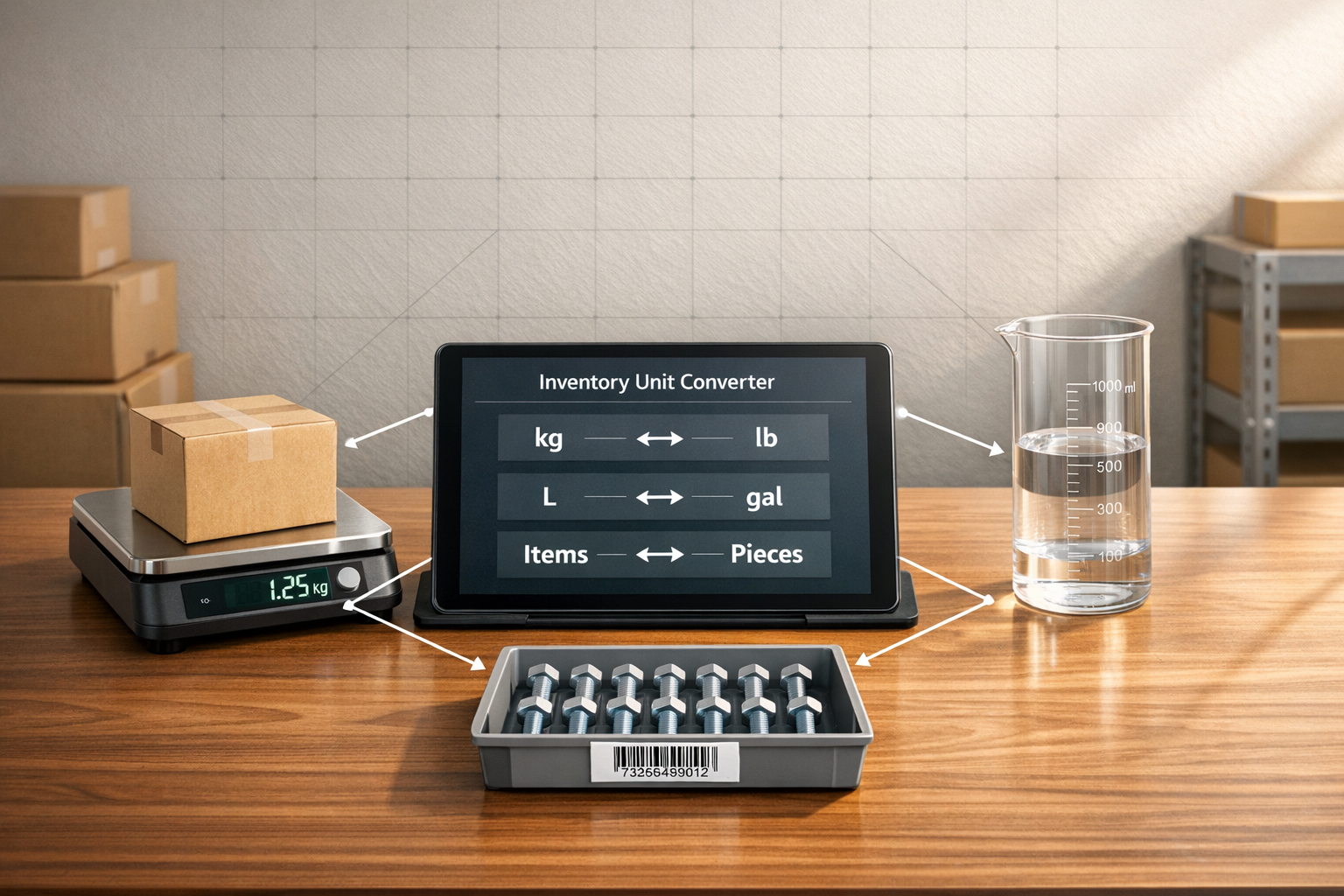
Inventory Unit Converter
Simplify Inventory Management with a Unit Converter Tool
Managing stock across different measurement systems can be a real headache for inventory managers. Whether you’re juggling shipments in kilograms while your warehouse tracks in pounds, or dealing with liquid goods in liters versus gallons, mismatched units slow you down. That’s where a reliable stock measurement converter comes in handy. It cuts through the confusion, letting you focus on what matters—keeping your inventory accurate and organized.
Why Unit Conversion Matters in Inventory
In today’s global market, businesses often source products from multiple regions, each using different standards for weight, volume, or count. A quick conversion tool ensures you’re not stuck doing manual math or risking errors that could mess up your stock levels. Imagine converting dozens to singles for a retail order or recalculating bulk weight for shipping—all done in seconds. Beyond saving time, precision in these calculations helps avoid costly mistakes, especially when dealing with suppliers or customers who rely on exact figures.
A Tool Built for Efficiency
Inventory pros need solutions that are fast and fuss-free. With a dedicated converter, you’re equipped to handle diverse units without breaking a sweat, ensuring smooth operations no matter the scale of your business.
FAQs
What units can I convert with this inventory tool?
You can convert a wide range of units tailored for inventory needs. For weight, switch between kilograms, pounds, grams, and ounces. For volume, convert liters to gallons or vice versa. And for count, turn dozens into individual units or the other way around. If you’re dealing with standard stock measurements, we’ve got you covered!
Is there a limit to how many conversions I can do?
Nope, there’s no limit at all! You can reset the tool after each conversion and run as many calculations as you need. Whether you’re adjusting a single item or reworking an entire inventory list, this tool is ready to keep up with your pace. Just hit reset and start fresh each time.
What happens if I enter a negative or invalid value?
Don’t worry, the tool won’t let a bad input slip through. If you accidentally enter a negative number or something that doesn’t make sense, you’ll get a quick error message like 'Please enter a positive value.' It’s a small nudge to correct your input and get back to converting without any fuss.
Try Forstock free for 14 days.
AI-powered demand forecasting and reorder automation for Shopify brands. No credit card required.